Termux · Linux · Security
Learn the command line by using it.
A course for Android's Termux, in twelve tracks. Read a short lesson, then prove it in a real terminal. Every challenge has a flag to find.
12 tracks · 63 lessons · 12 challenges · about 21 hours · no account needed
Live sandbox. Type in it.
Challenge 01 of 12 · see all challenges
What you will be able to do
This is not a list of commands to memorise. By the end of the course you can sit down at a Linux prompt and get something done.
- Find your way around a Linux filesystem and pull what you need out of a file.
- Write a small script, run it on a schedule, and process a large file without opening it.
- Write Python and run it in the page, with no install and no server, and read the traceback when it goes wrong.
- Explain what happens when you open a page, and read an HTTP response by hand.
- Check a file against its hash and spot the entries in a log that do not belong.
- Build three working tools of your own: a backup script, a log analyser, a dashboard.
- Keep your own device updated, tidy and locked down.
The path
Twelve tracks, in order
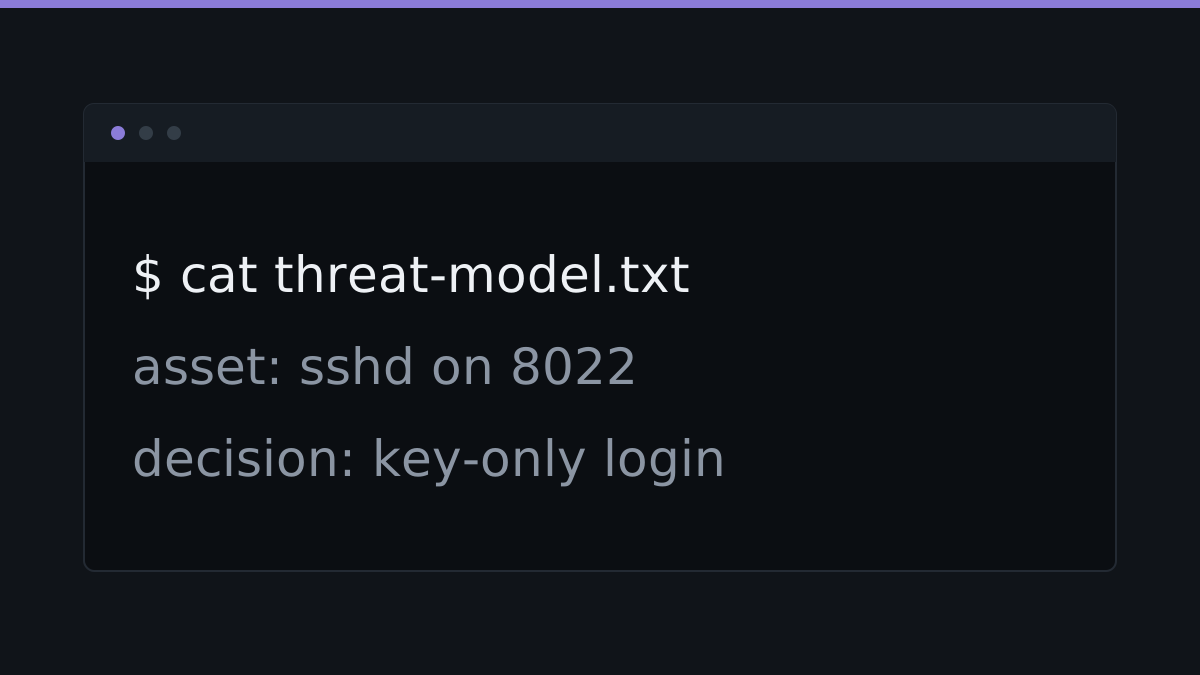 Thinking in threats: modelling a system A threat model is four questions you can ask about anything. The output is a short list with a decision next to each item.
 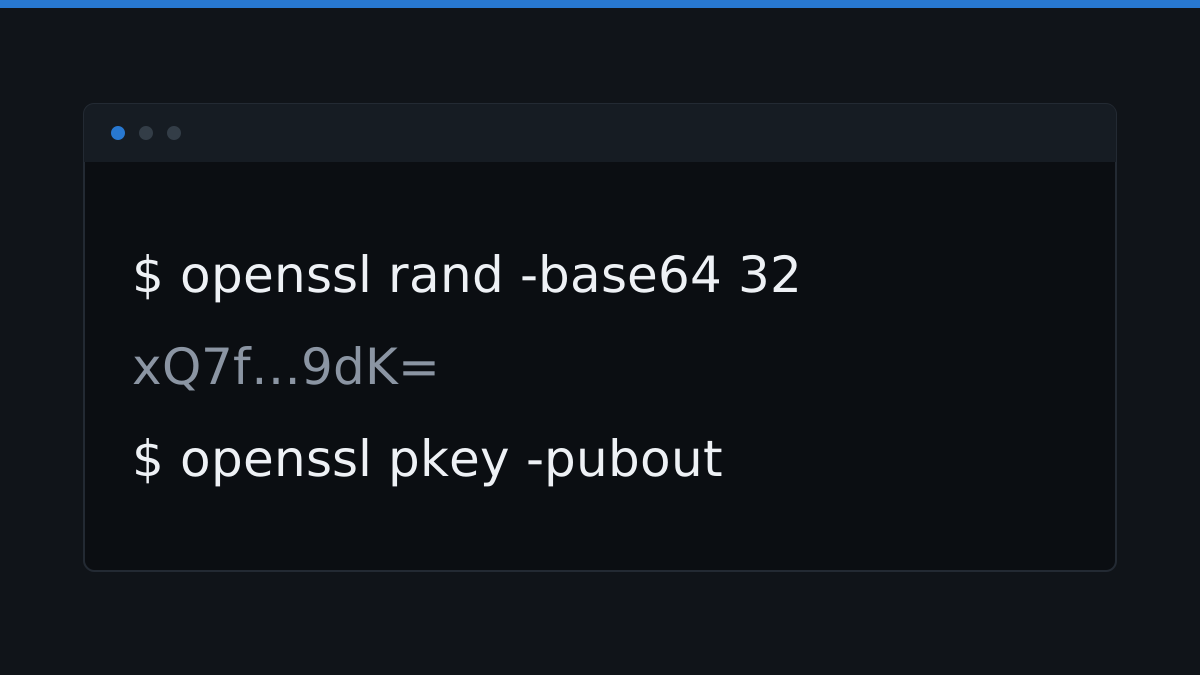 Symmetric and asymmetric keys One shared secret, or a pair of related keys? See how each works, and when to reach for which.
 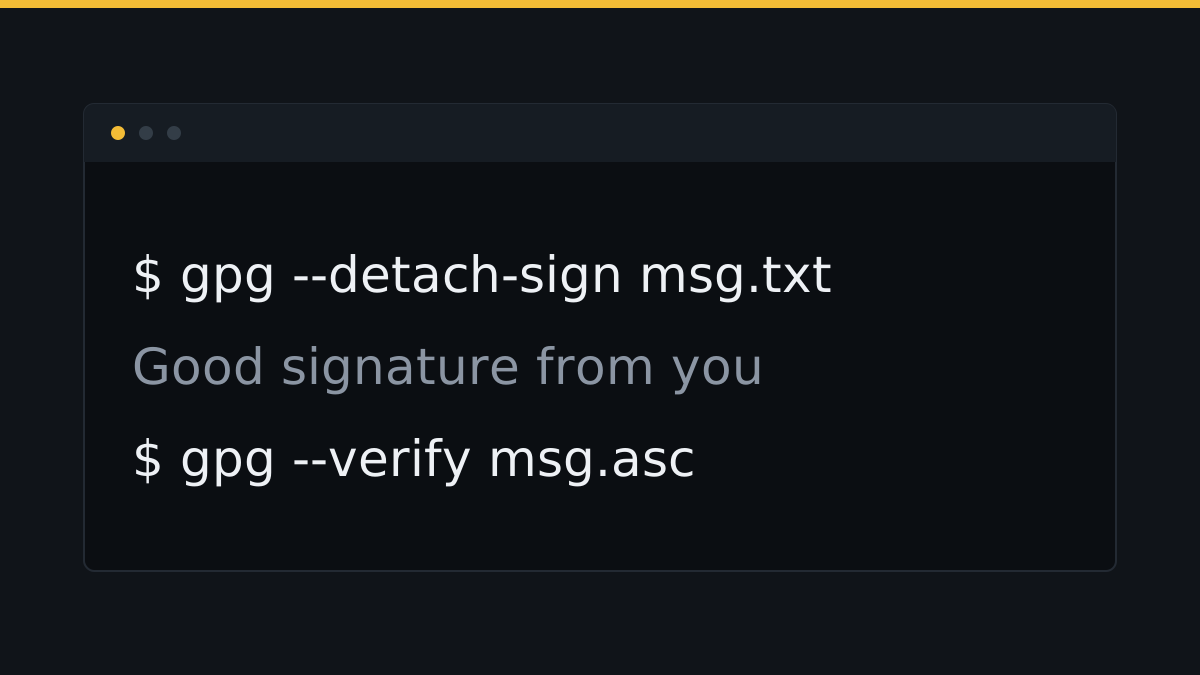 Signing and verifying a file A signature proves a file has not changed and came from the key holder. Sign one and check one with gpg.
 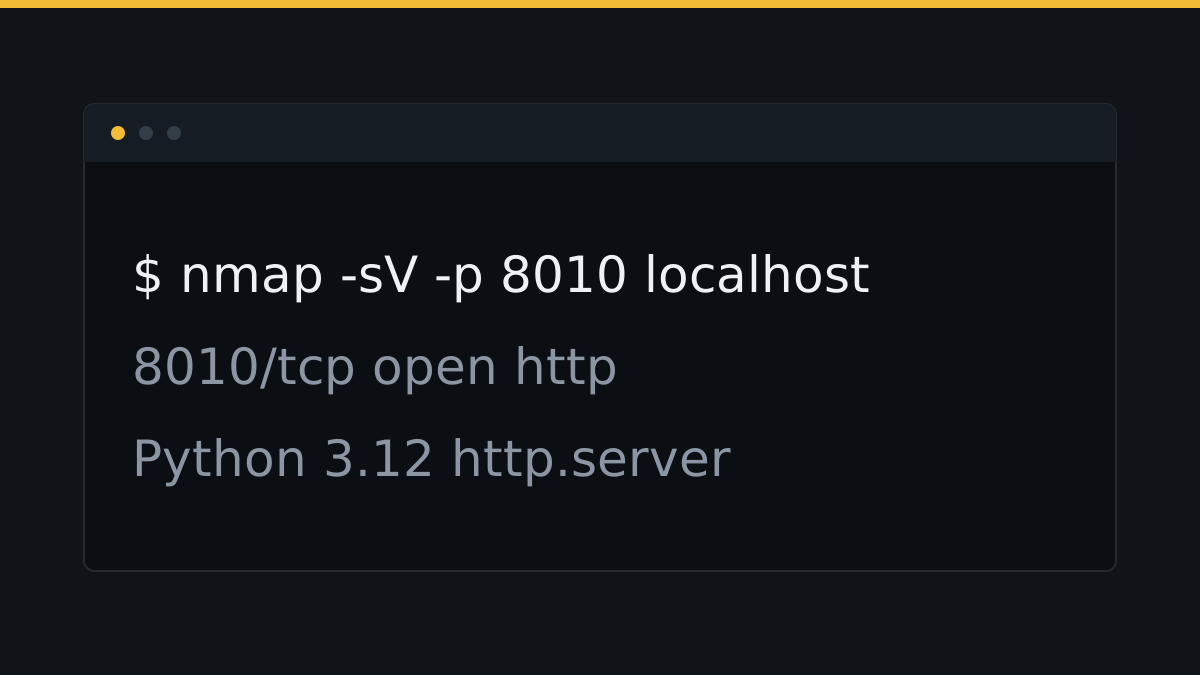 Service versions and what they tell you Ask an open port what service and version is behind it, and read the banner it sends back.
 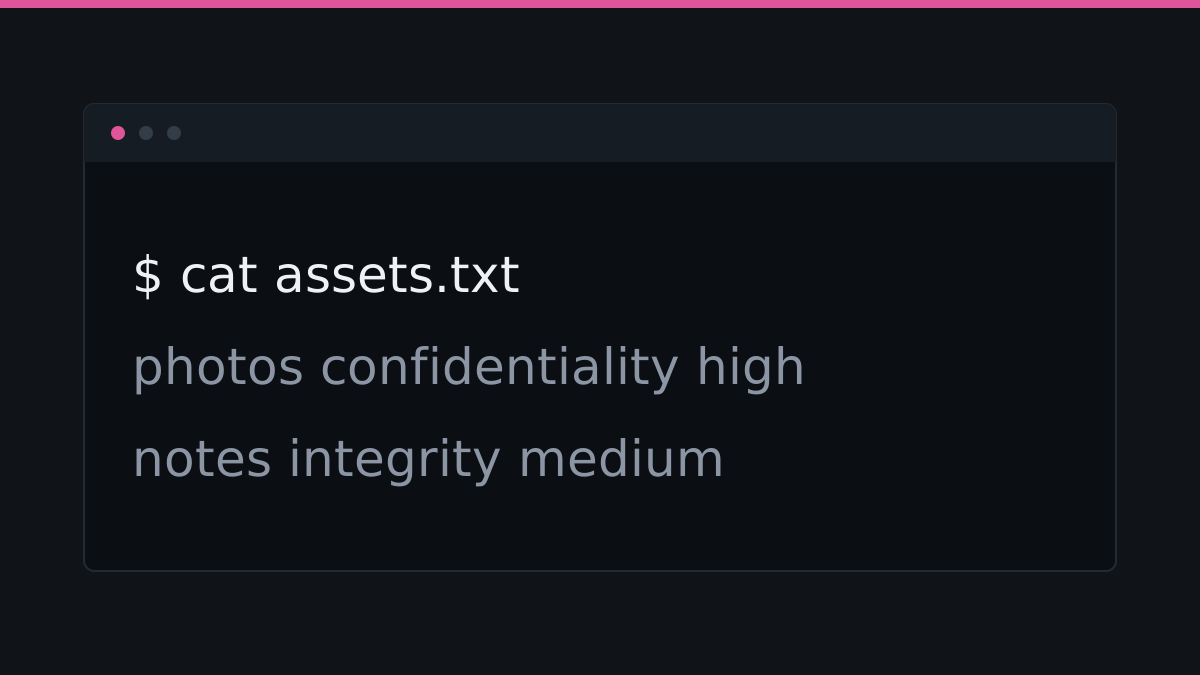 The security mindset There is no perfectly secure system, only different degrees of exposure. The aim is a smaller blast radius, not zero risk.
 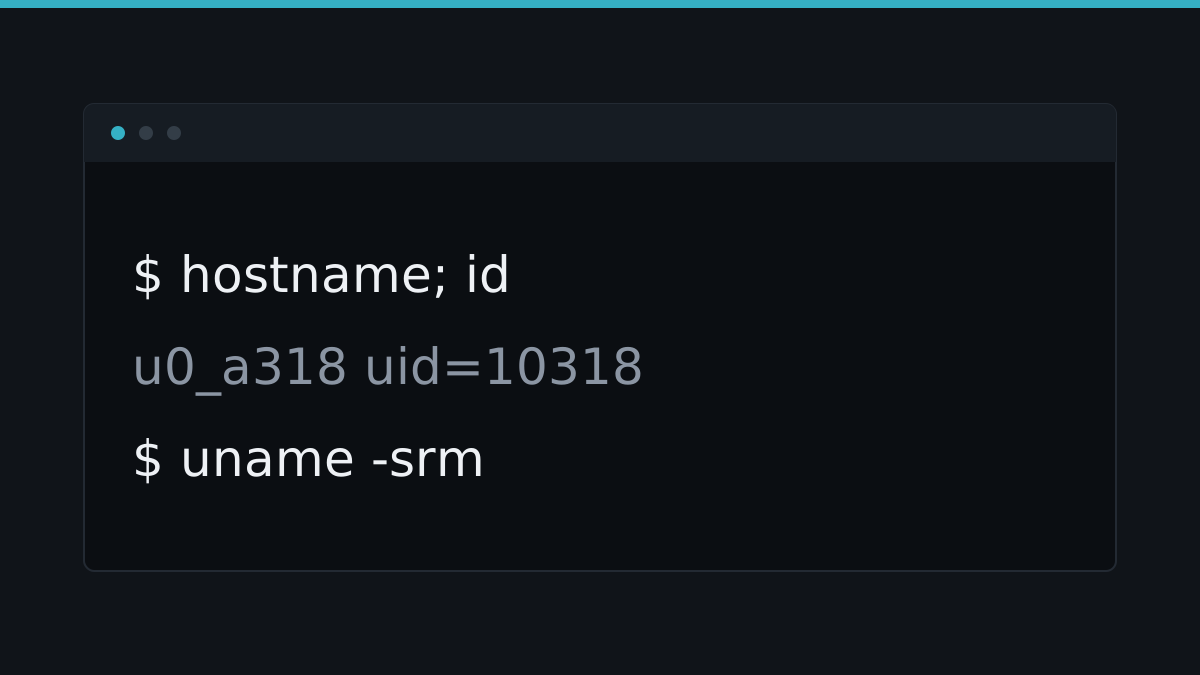 The phases of a security assessment Learn the order that security work happens in, and run the first steps on your own phone.
 Learmux CTF
12 terminal challenges across 10 topics, worth 240 points. Each one opens a sandbox with its own filesystem. Find the flag to finish it.
Download Termux
Termux is a free terminal and Linux environment for Android. It does not need root. Install it from F-Droid, then work through the course on your phone.